Start here
Key takeaways
- A reproducible setup record needs scale, full tuning, every gauge, construction, and setup measurements.
- Pack names such as 10s do not capture the information needed to recreate a tension profile.
- Share URLs preserve calculator inputs; CSV provides a durable table for repair or build notes.
- Record the exact manufacturer and product whenever wound-string construction matters.
How to use this: Use the examples to compare options, then confirm product-specific details with the linked manufacturer references and your own instrument.
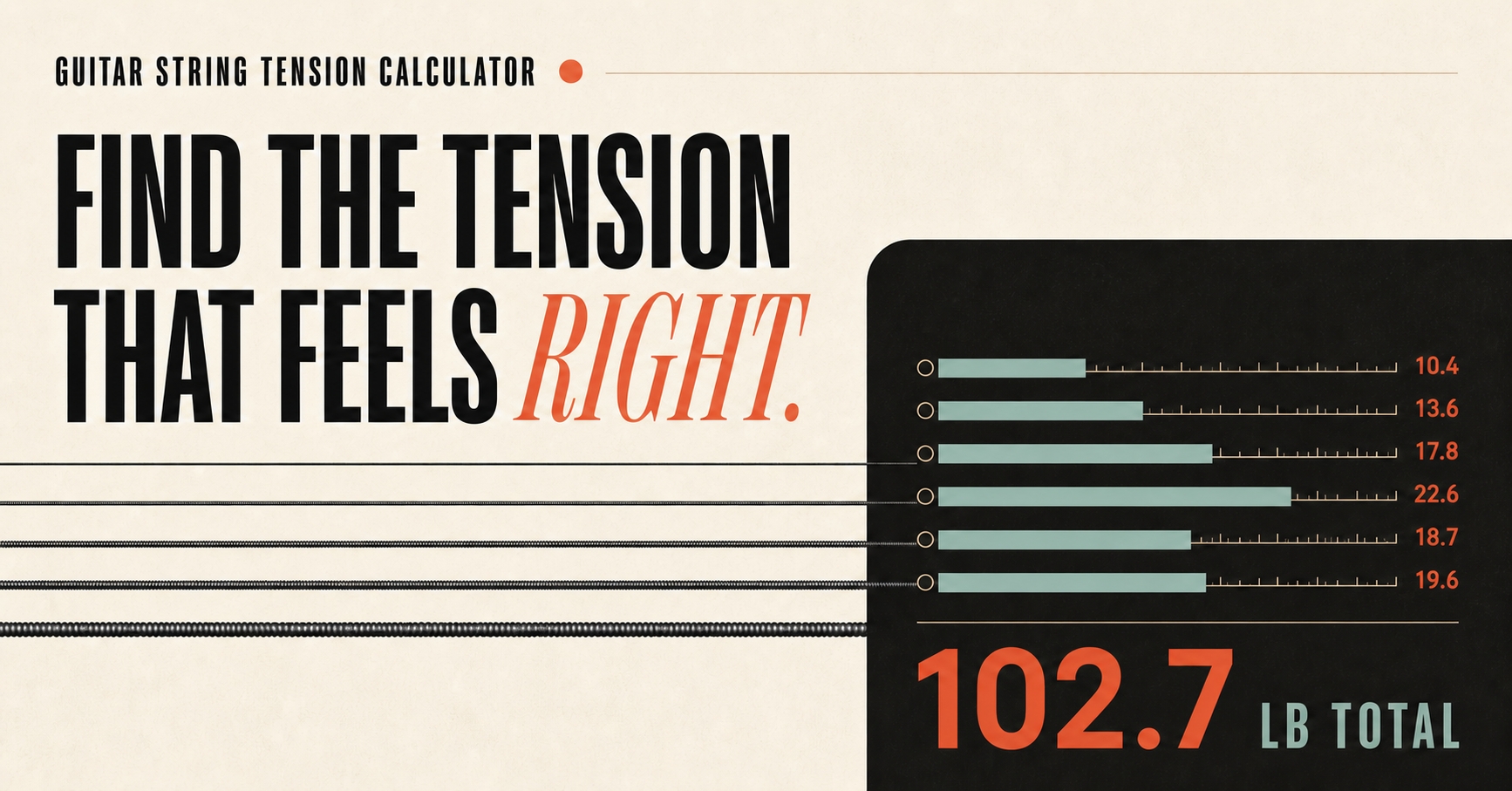
“I use 10s” is not enough information to reproduce a guitar setup. The statement omits scale length, complete gauges, tuning, string construction, action, and the player’s intended response.
Record the mechanical inputs
At minimum, save:
- instrument and string count;
- treble and bass scales for a multiscale instrument;
- complete tuning with octaves;
- every string gauge and product construction;
- measured per-string and total tension estimates;
- setup date and any relief, action, or intonation notes.
Share the comparison, not a recommendation
A shareable calculator URL captures scale, tuning, gauges, units, and calculation mode. It lets another player inspect the same numerical profile without implying that the set is universally correct.
Shared URLs remain canonical to the main calculator so small parameter variations do not become duplicate search pages.
Export a durable copy
Use the CSV download for a plain table that can be attached to repair notes or opened in a spreadsheet. Print mode produces a clean paper reference for the bench.
If the setup uses a specific string product, add the manufacturer and exact set identifier outside the generic calculator. That detail is essential because wound-string unit weight can differ between products with the same printed gauge.
Open the Guitar String Tension Calculator, enter a known setup, and choose Share setup or Download CSV to create the record.
Record enough detail to recreate the instrument
A useful record separates fixed specifications, adjustable measurements, and player observations. Scale length and bridge type identify the platform.
Tuning, strings, relief, action, pickup height, and intonation describe the current setup. Notes such as “low B wavers under a hard pick” explain why a number was chosen.
Include the measurement method and unit. “Action 1.6” is ambiguous; “1.6 mm at the 12th fret from fret crown to string underside” can be repeated by another person. Add the date and room conditions when humidity-sensitive acoustic or neck movement is relevant.
| Record group | Fields worth saving | Why it matters |
|---|---|---|
| Instrument | Model, serial, scale, bridge, string count | Identifies hardware and geometry |
| Strings | Brand, line, gauges, construction, tuning | Reproduces tension and fit |
| Setup | Relief, action, nut notes, saddle positions | Reproduces playability |
| Electronics | Pickup height and control settings | Explains output comparisons |
| Observation | Attack, bends, buzz location, pitch behavior | Connects measurements to the player goal |
Use before-and-after records to diagnose a change
Measure the current setup before removing strings. After the new set stabilizes, repeat the same measurements in the same order. The difference shows whether a perceived change came with altered relief, action, tremolo angle, or pickup distance instead of being caused by the strings alone.
Change one variable when practical. If tuning, gauge, action, and pickups all move together, the record can describe the result but cannot identify the cause. A controlled comparison saves more time than a detailed note written only after several simultaneous adjustments.
- Save the current calculator URL and export its table.
- Measure relief, action, bridge angle, and pickup height.
- Install one defined change and stabilize tuning.
- Repeat measurements and the same musical test passage.
- Write the decision: keep, revise, or return to the control setup.
Use a compact setup record that stays readable
Start the record with one sentence describing the purpose, such as “stable Drop D rhythm with easy whole-step bends.” Follow it with the calculator share link or exported table. This prevents the measurements from becoming a list without a decision behind it.
Create separate before and after columns for every measurement that might move. Include the tool or method when repeatability matters: capo location for relief, fret used for action, tuner reference, and whether pickup height was measured while fretting the last fret. Consistent method is more important than false decimal precision.
Finish with a short verdict and the next change, if any. A record saying “kept .052; low D attack improved; first-position pitch acceptable; recheck after one week” is more useful than a page of numbers without an outcome. Attach one audio clip only when it demonstrates the stated issue clearly.
Keep an unchanged baseline entry rather than overwriting it with the latest setup. A small history shows seasonal movement, repeated failures, and which changes were reversible, while still letting the current record stay concise.
Export or print the final version before the next adjustment so a broken link, cleared browser state, or accidental edit cannot erase the last working configuration.
- Goal and playing context.
- Instrument, tuning, scale, and exact strings.
- Before/after relief, action, bridge, pickup, and intonation notes.
- Calculator URL or CSV snapshot.
- Decision, remaining issue, and next review date.
Reference material
Technical references
Use these references when you need the source equation, product-specific information, or a second explanation of the setup method.